Important things to know
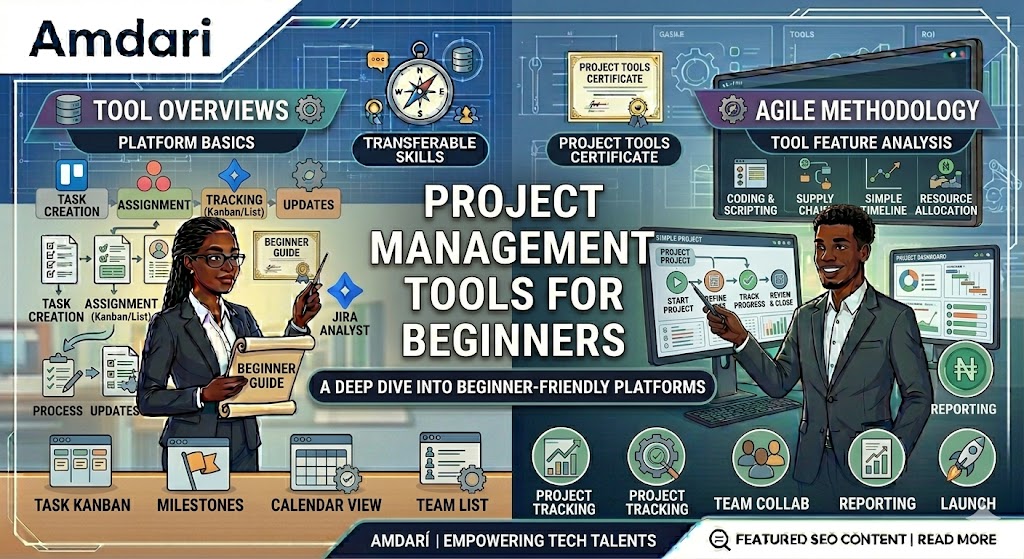
Starting out in project management can feel like stepping into a world full of moving parts. There are tasks to track, deadlines to meet, people to coordinate, and updates to share. For beginners, that can feel like a lot. The good thing, though, is that you do not need to know everything at once. With the right tools, project management becomes much easier to understand and much easier to do well.
Project management tools are designed to bring order to your work. They help you plan tasks, organize information, monitor progress, and keep everyone involved aligned. Instead of relying on memory, scattered chats, or endless back and forth, these tools give structure to your project and make it easier to stay on top of what needs to be done.
One of the easiest tools for beginners to start with is Trello. Trello is simple, visual, and easy to use. It allows you to create boards, lists, and cards so you can clearly see what tasks are pending, what is in progress, and what has been completed. For someone new to project management, Trello is a great way to understand workflow without feeling overwhelmed.
Another helpful tool is Asana. Asana gives a bit more structure and is useful for managing tasks across a team. You can assign responsibilities, set due dates, and track progress in one place. It is especially helpful when projects involve multiple people and you need better visibility into who is doing what and when.
ClickUp is another strong option for beginners who want an all in one workspace. It offers task management, goal tracking, documents, and planning features in one platform. While it has more advanced capabilities, beginners can start with the basics and gradually explore more as they become comfortable.
For documentation and knowledge sharing, Confluence is a very useful tool. Project management is not only about tracking tasks. It is also about keeping important information organized and accessible. Confluence helps teams document meeting notes, project plans, timelines, decisions, and processes in one central place. This makes it easier for everyone to stay informed and reduces the confusion that often comes from missing information.
Tools like Google Calendar and Zoom are also valuable for managing project schedules and team check ins. A good project manager needs to plan time well, coordinate meetings, and make sure important conversations happen when they should. These tools support that part of the work and help keep collaboration running smoothly.
As a beginner, the most important thing is not choosing the tool with the most features. It is choosing the tool that you can use consistently and confidently. A simple tool that fits your workflow is far more useful than a complicated one that creates confusion.
It is also important to remember that tools do not make someone a great project manager on their own. They simply support the work. Good project management still requires clear communication, good planning, problem solving, and follow through.
In the end, project management tools are there to make your work more organized, more visible, and more manageable. For beginners, the best place to start is with simple tools, steady learning, and a willingness to improve as you go. With time and practice, these tools become more than just platforms. They become part of how you turn plans into successful results. Interested in a project management role, take this 1-minute job readiness test.